AI Threat Detection
Protect enterprise identities from AI-powered phishing
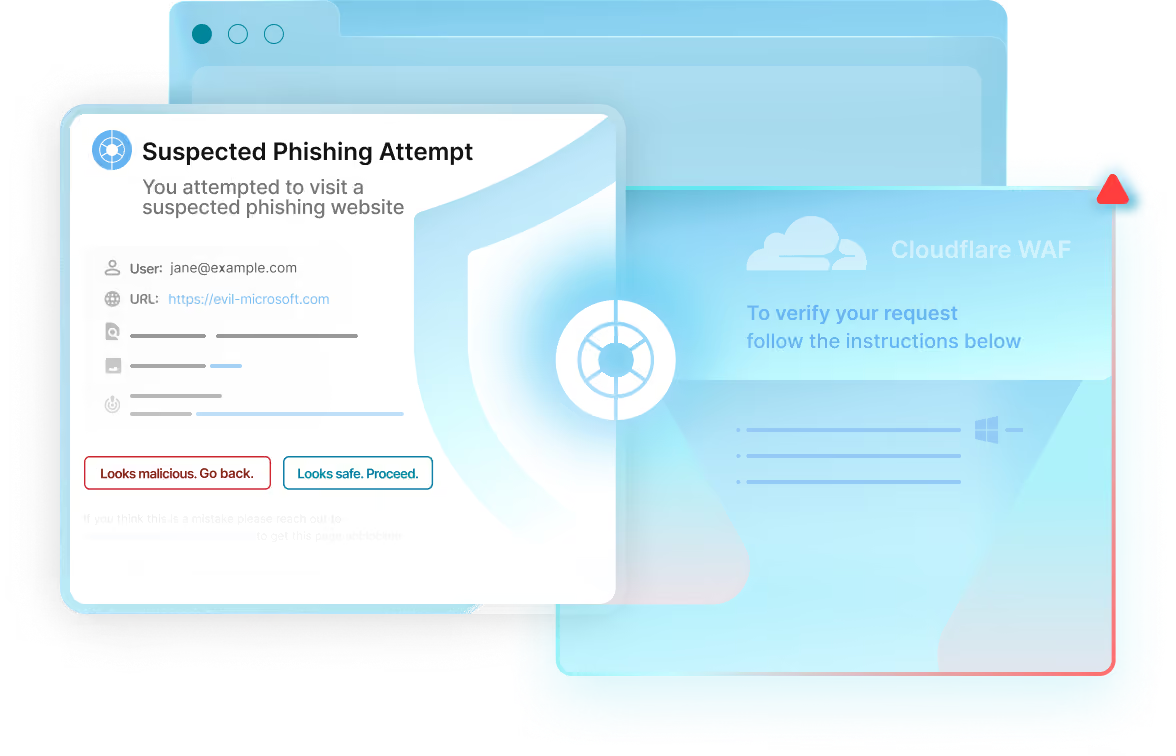
Detect fake login pages, session theft, and browser-based attacks before they compromise access to critical business applications.
Trusted By








Detect fake login pages, session theft, and browser-based attacks before they compromise access to critical business applications.
Realistic login pages and targeted campaigns can now be created at greater scale. They often reach employees through search, personal email, or messaging apps—outside the tools protecting the corporate inbox.
Obsidian detects risky pages in the browser before they put enterprise accounts and business applications at risk.
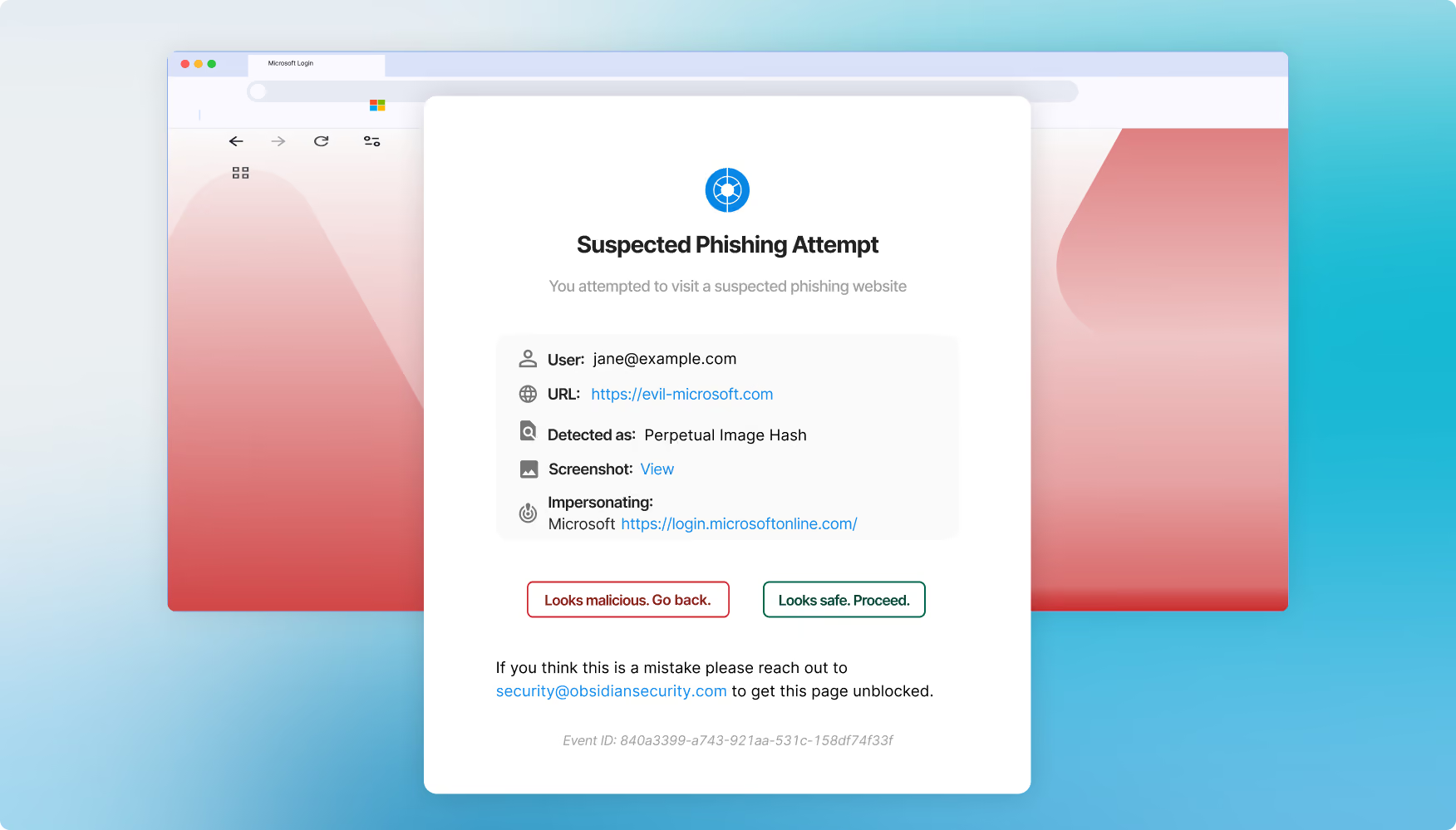
Detect lookalike sites and block credential entry before an enterprise account is compromised.
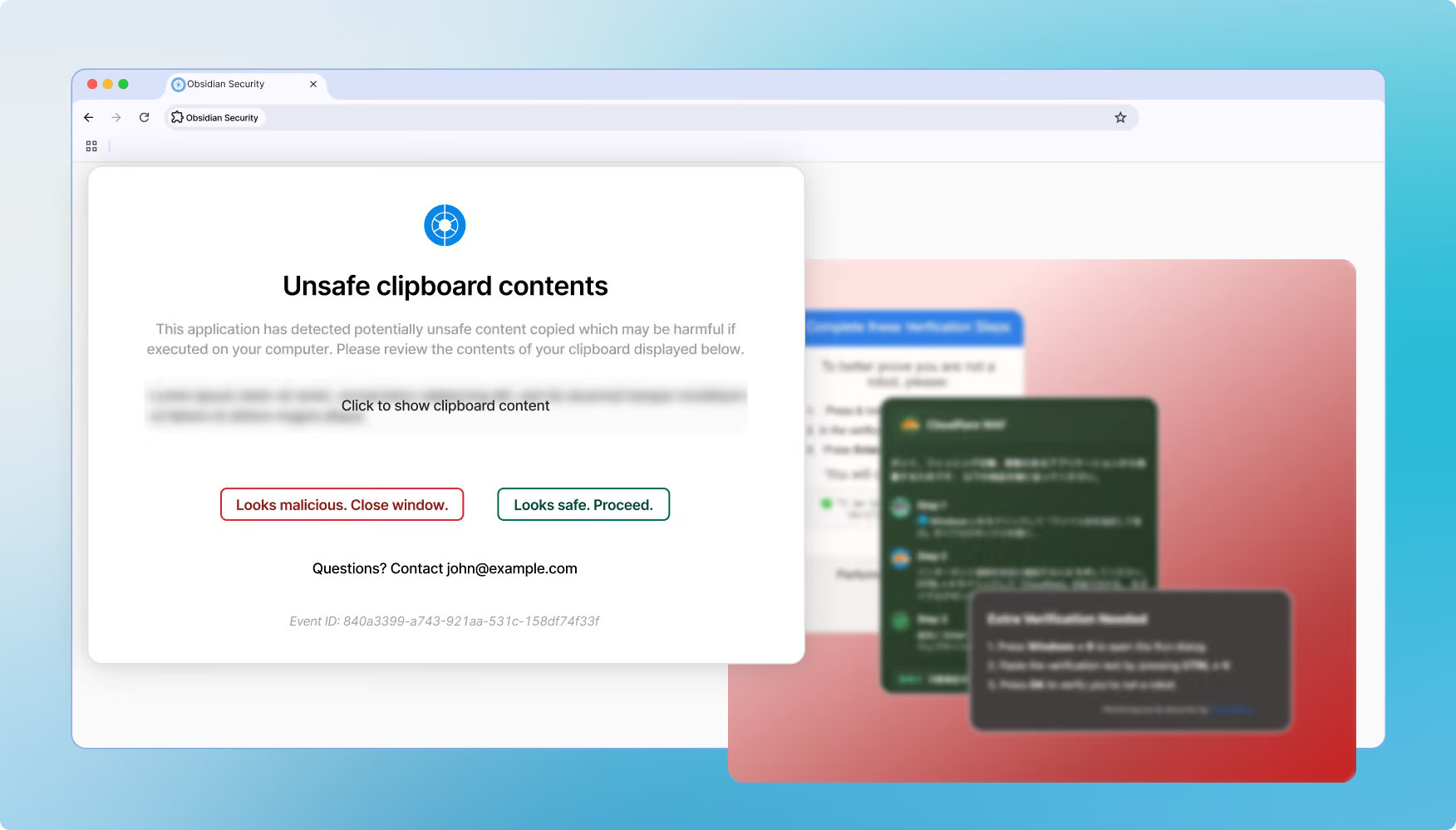
Warn or block users when a site attempts to steal an authenticated session or bypass MFA.
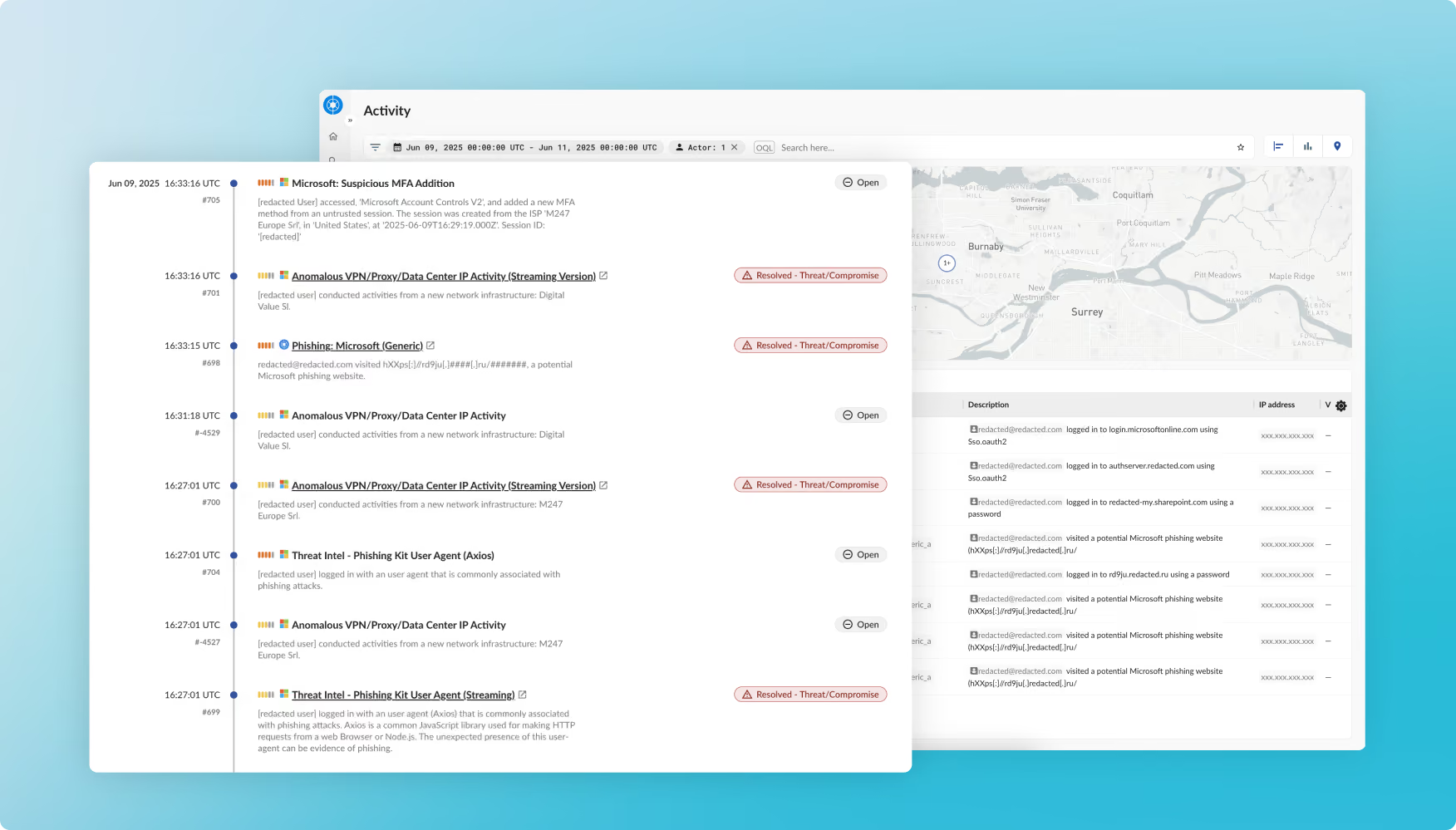
Trace browser activity into SaaS applications so responders can confirm exposure, understand impact, and take action.
.avif)


Modern phishing can start outside corporate email and steal an authenticated session after MFA has already been completed.
They may hide from scanners, use realistic login flows, or reach users through search and personal messaging channels.
The critical moment usually happens in the browser, when the user opens a fake page or submits credentials.
Obsidian analyzes the page in the browser and can stop the user before credentials or sessions are exposed.
The browser extension can be deployed through standard enterprise browser-management tools.
Inspection is designed to happen locally so protection is fast and user impact stays low.
Yes. Alerts explain why a page is risky so users can make a safer decision.