Govern every agent built on Azure AI Foundry

Let users build agents and workflows fast with security and governance built in.

Shield graphic representing Obsidian SaaS Security Posture Management (SSPM) solution

Why your teams are using Azure AI Foundry

Unlike prebuilt AI assistants available with Copilot, Azure Foundry lets users quickly build and deploy agents with custom AI models designed for the task at hand.

Automate complex workflows

Orchestrate multi‑step tasks like ticket triage, infra changes, CRM updates, and HR workflows.

Accelerate delivery

Use agents to write and review code, streamline processes, and improve customer experience.

Empower the workforce

Let non‑developers build workflows and agents without waiting on central engineering.

Foundry agents move fast, governance can't afford to lag

Unmonitored Foundry agents silently spread risk across every application they access and every data connection they make.

Sensitive data access

An over‑permissioned HR or finance agent can query classified internal knowledge across apps like SharePoint.

Code destruction risks

Agents wired into Azure DevOps or GitHub can overwrite or delete source code, pipelines, and infrastructure.

Data leaks at machine speeds

Business teams can expose CRM or ticket data as agents autonomously generate and share content externally.

Fragmented agent monitoring

Similar agent use cases can run in Vertex, Copilot, and Bedrock; without unified governance, fragmented policies and logs hide risky cross‑platform behavior.

Microsoft's native controls can’t secure every risk

Microsoft surfaces your agents but can’t show you every risk, leaving security teams blind to unauthorized tool calls, excessive permissions, and unsanctioned cross-service actions.

Siloed visibility across tenants

No single view of which agents, MCP servers, and models are running across your tenants.

No single control plane

Native logs weren't built to capture risky tool calls and cross-service actions, especially from agents running outside Foundry on platforms like Claude.

Over-permissioned agents

Agent permissions are scattered across every app they touch. Without a unified view, you can't know your true exposure until something goes wrong.

Privilege escalation

Agents act on behalf of users but aren't always bound by the same limits. Without a full identity graph, you won't know when an agent quietly exceeds the access its user was granted.

Your single control plane for every Foundry agent you deploy

Map, monitor, and control every Foundry agent from a single governance layer.

Inventory every Foundry AI agent

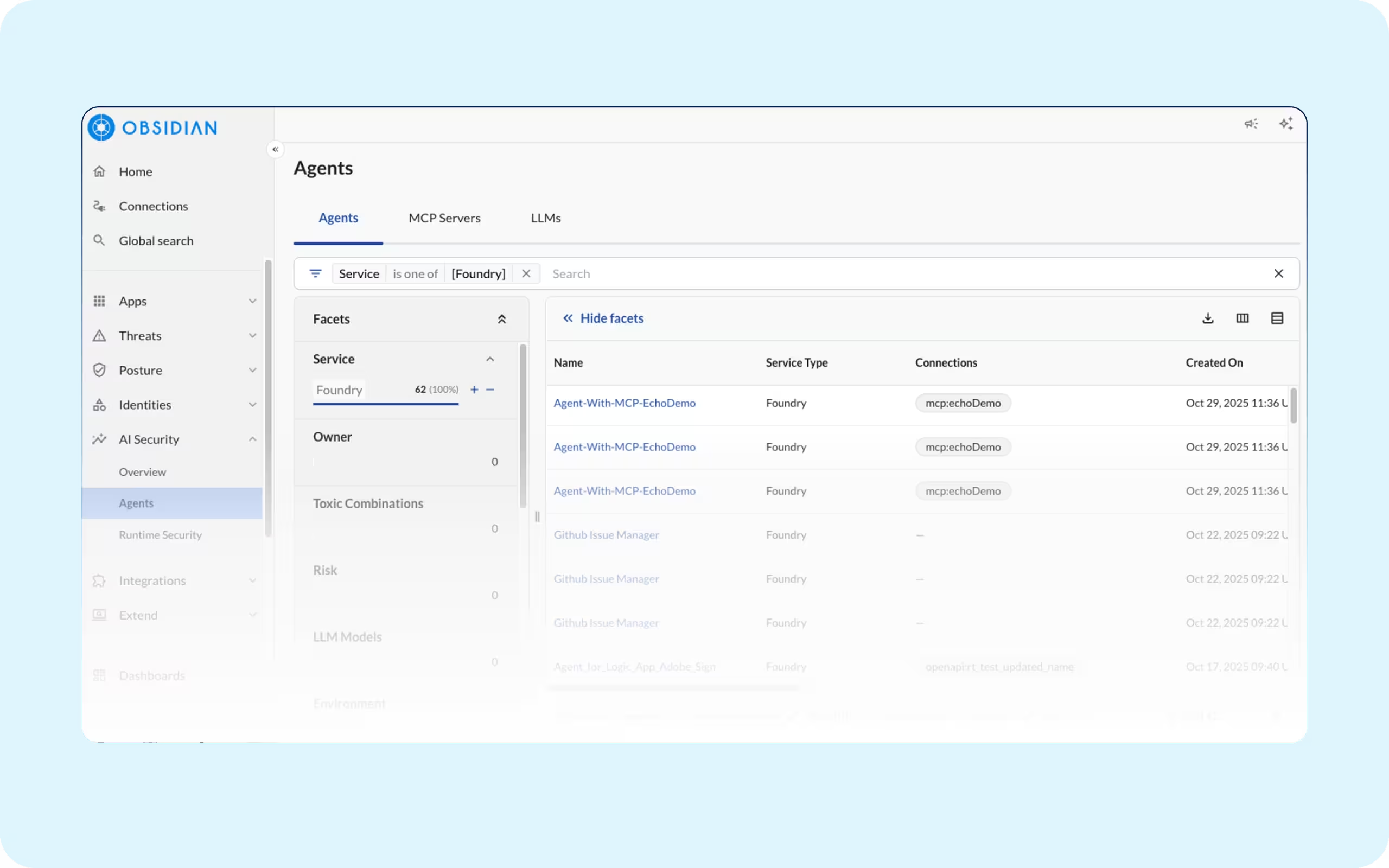
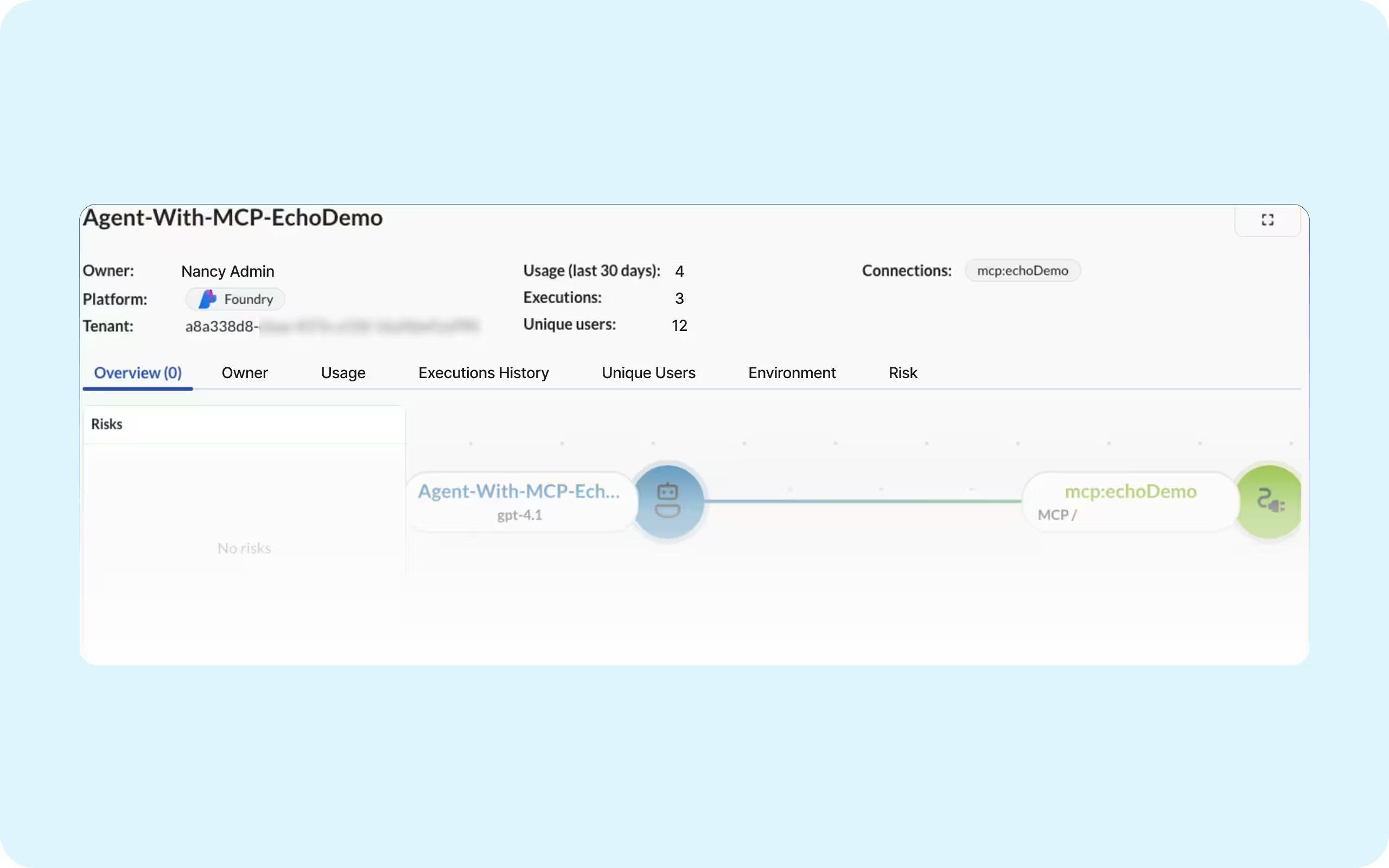
Maintain a continuous system of record for every AI agent, including the MCP servers they invoke, the LLMs behind them, the applications they connect to, and the privileges they hold.


Key benefits:
  • Shadow AI and auditability: Find unsanctioned agents including their connections and executions.

  • Consolidate every agent: Map agents and their risks no matter the platform they are built on.

Dashboard view showing a list of SaaS agents, their connections, associated risks, and owners, alongside a visual network map of connected applications.
Graph visualization of SaaS applications and AI agents, with nodes representing data flows and connections between services.

Real-time risk assessments for your agents

Automatically identify high-risk factors across your agent inventory, from unauthenticated MCP servers to over-privileged agents, so you understand and reduce exposure before an incident occurs.


Key benefits:
  • Secure new agents by default: Automatically assess new and updated agents for risky scopes and unsafe tool chains.

  • Prioritize your security: Sort risks by criticality to consistently govern agents across every AI platform your teams deploy.

Reduce excessive agent access

Identify and right-size agent permissions across enterprise applications, removing unused standing access to reduce the blast radius and prevent data exposure.


Key benefits:
  • Right‑size permissions: Remove unused privileges without breaking workflows.

  • Protect sensitive systems: Limit agent access to only approved systems.

Detailed risk report for agent credential sharing, including risk name, severity, description, connected Gmail account, and associated connector ID.