Keep sensitive data out of AI prompts
Help employees use AI safely by stopping sensitive text and files before they reach third-party AI tools.
Trusted By








Help employees use AI safely by stopping sensitive text and files before they reach third-party AI tools.
AI tools help teams move faster, but a single prompt or upload can expose source code, customer data, or credentials. Most security tools can see the app—not what a user is about to send.
Obsidian gives security teams prompt-level visibility and controls in the browser, including for personal AI accounts.
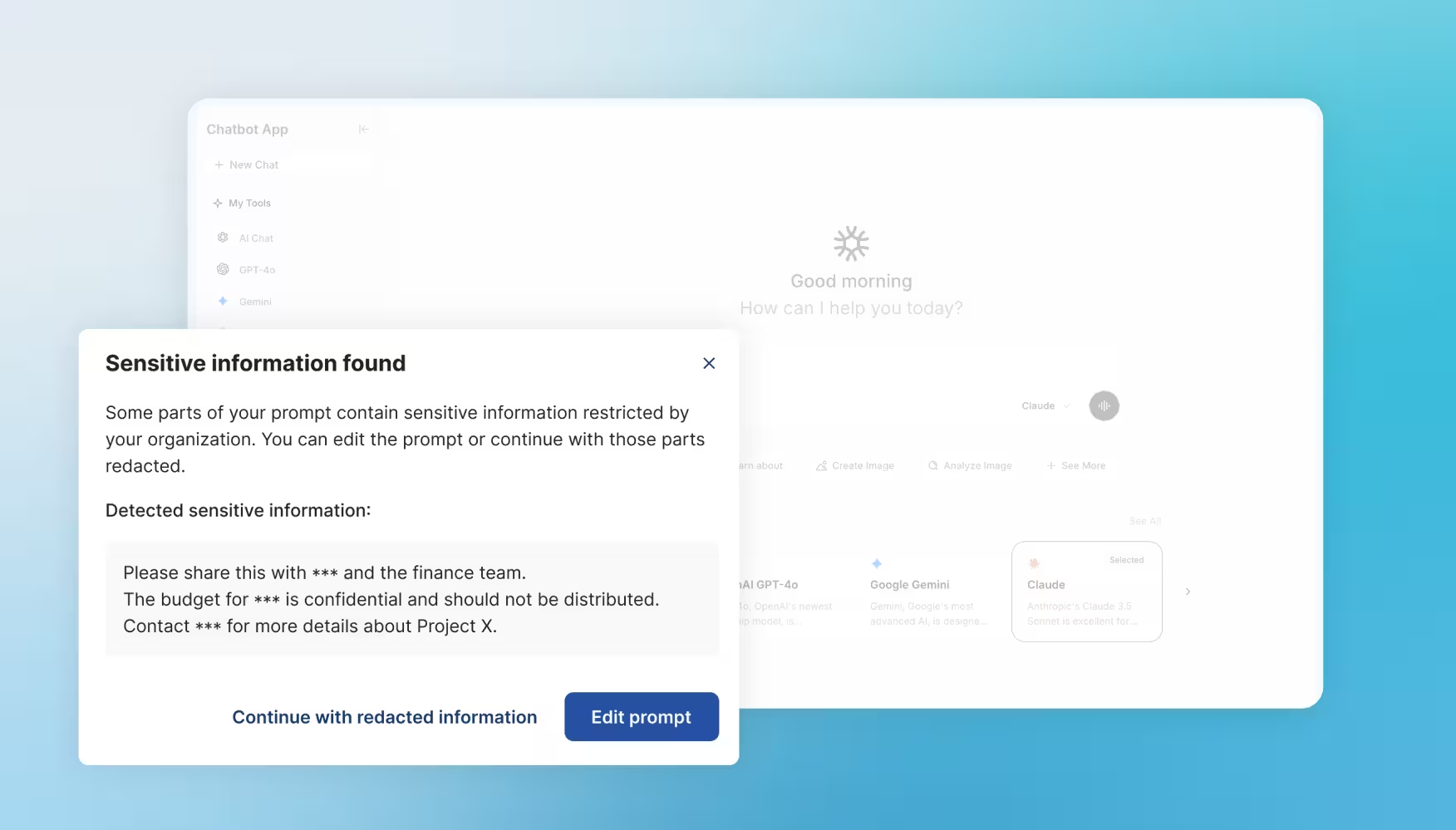
Detect sensitive text in prompts and block it before it is submitted.
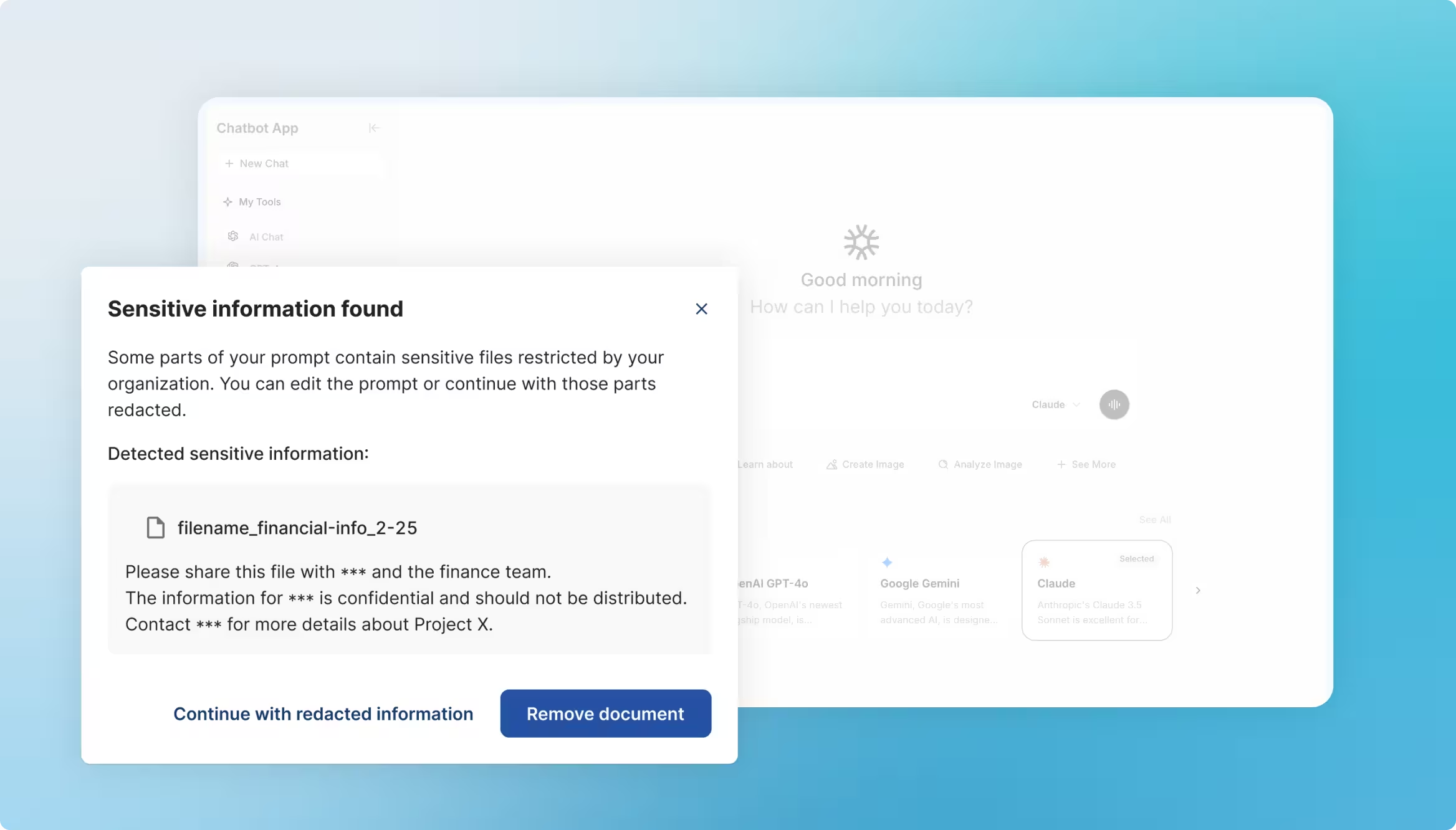
Prevent users from uploading files that contain sensitive or classified data.
Warn or block users even when they sign in with an unmanaged account.
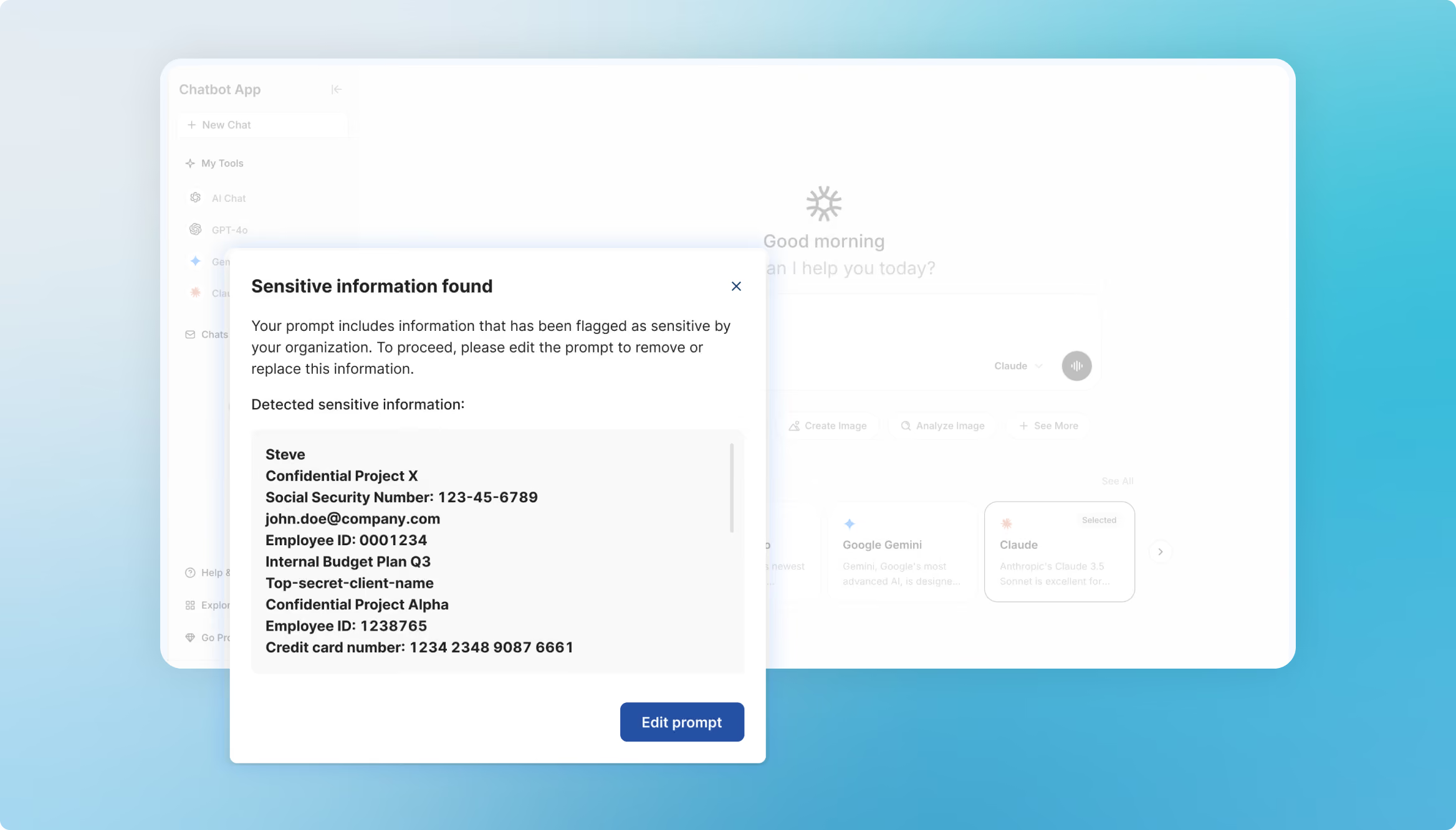
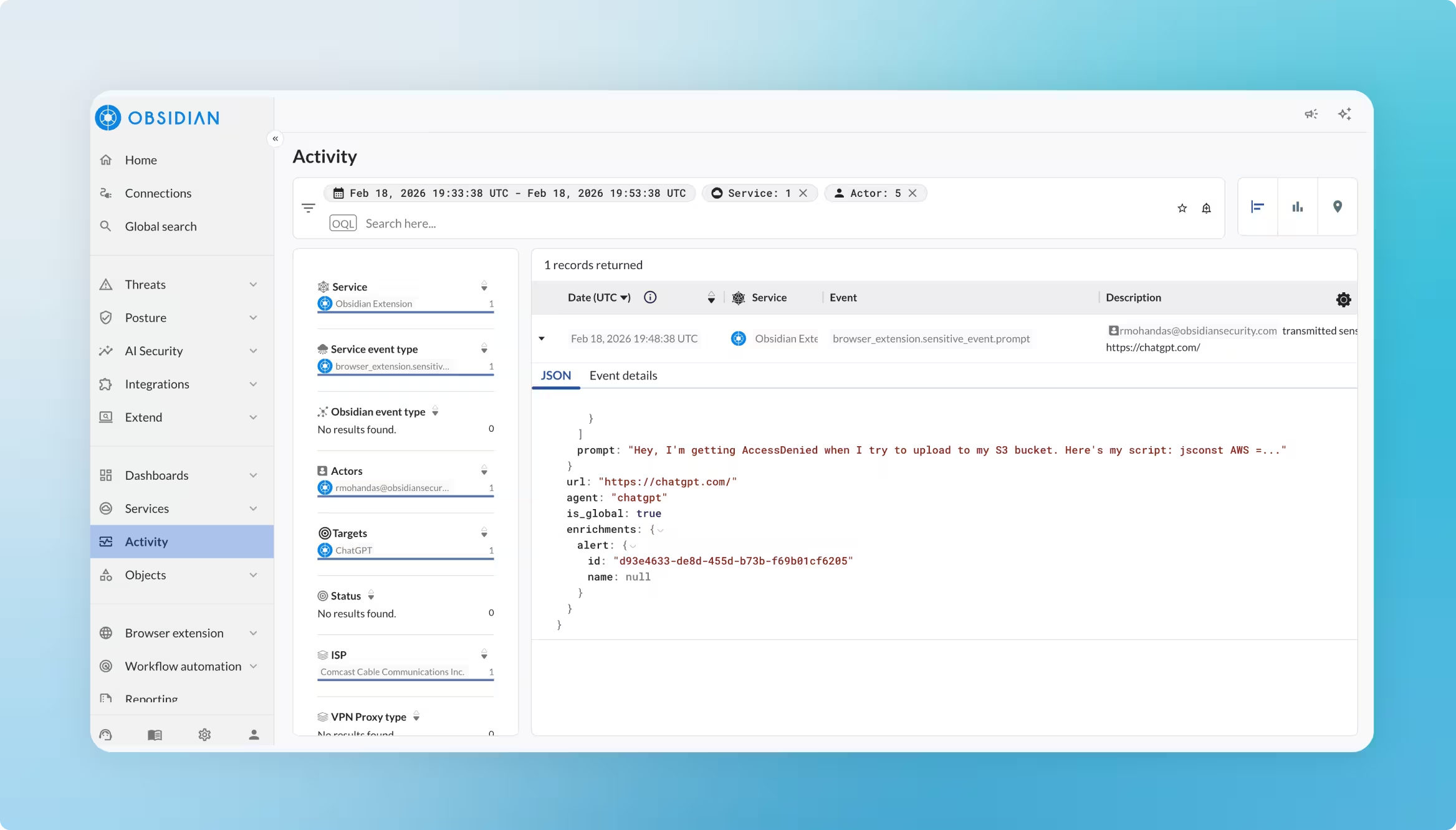
See who submitted the prompt, what triggered the alert, and which AI tool was used.
.avif)


AI prompt security prevents sensitive data from being entered into generative AI tools through prompts or file uploads.
Without prompt-level controls, employees can accidentally expose confidential data through approved or personal AI accounts.
Some can block access to AI sites, but many do not inspect the prompt or file at the moment a user submits it.
Obsidian inspects prompts and uploads in the browser, then warns or blocks the user based on your policies.
Yes. Policies can apply in supported browsers even when the user signs in with a personal account.