Prevent sensitive data loss to GenAI
See where employees, apps, and agents use AI—and stop sensitive data from going where it doesn’t belong.
Trusted By








See where employees, apps, and agents use AI—and stop sensitive data from going where it doesn’t belong.
Sensitive data can now move through prompts, uploads, browser extensions, integrations, and agents. Blocking AI outright slows teams down. Letting every tool connect freely creates risk.
Obsidian helps you find AI use, understand what data it can reach, and apply controls without getting in the way of approved work.
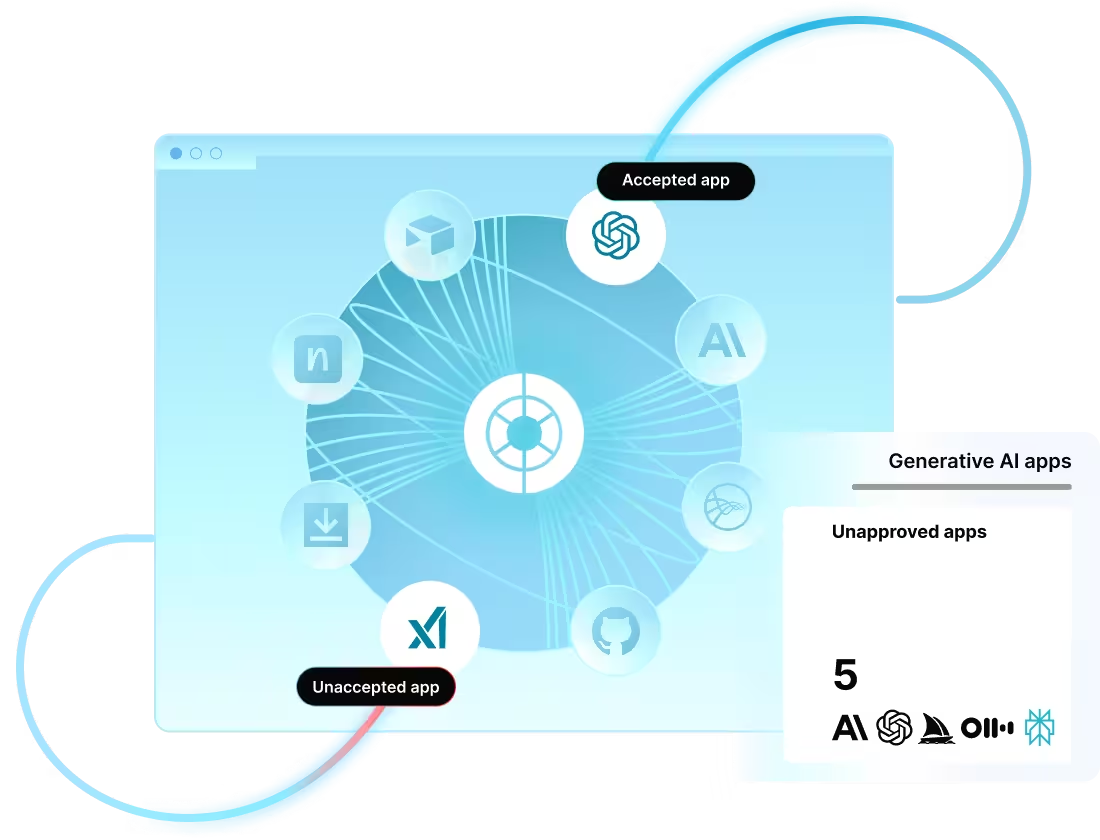
Build a current inventory of sanctioned and unsanctioned AI across your environment.
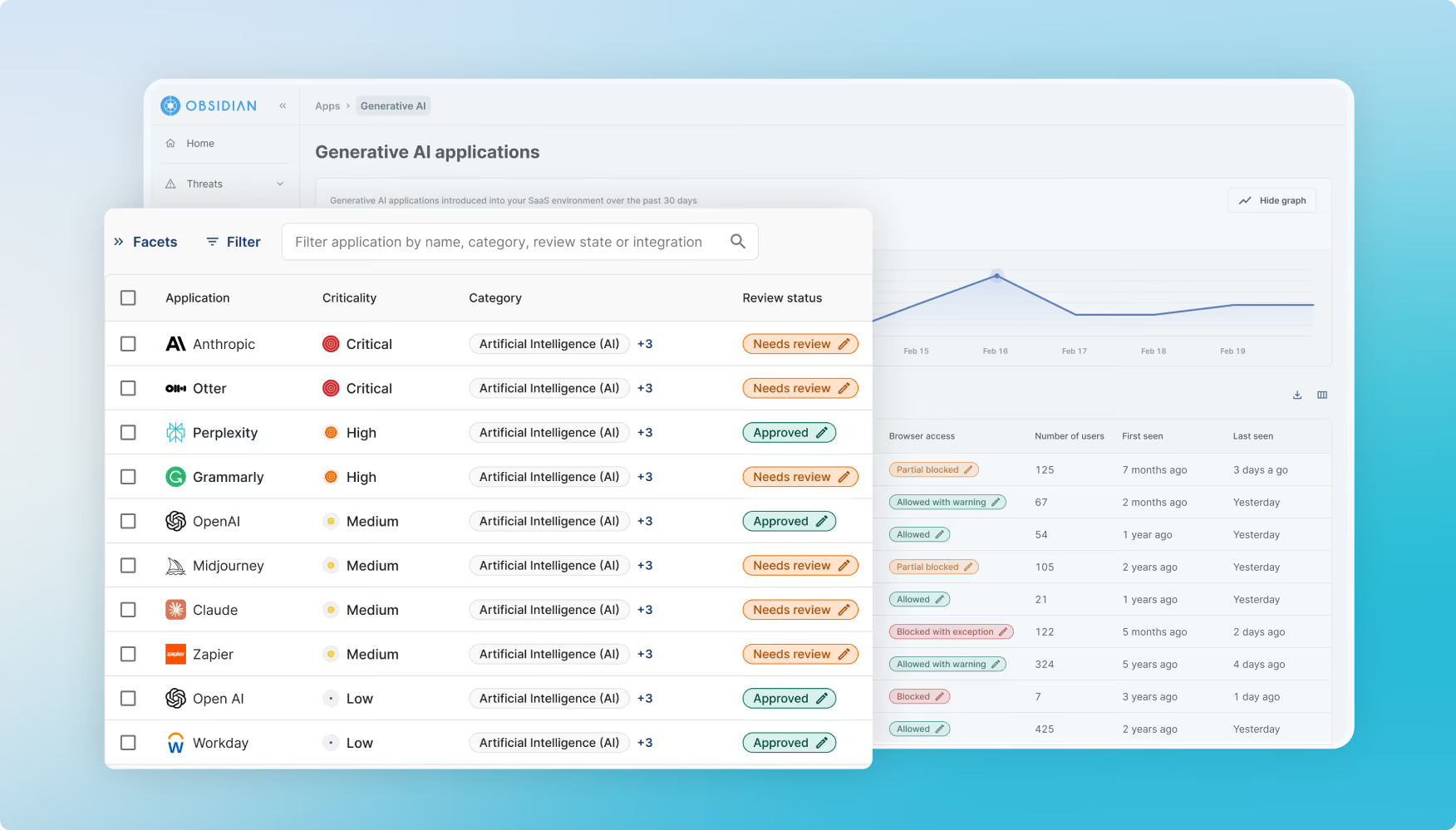
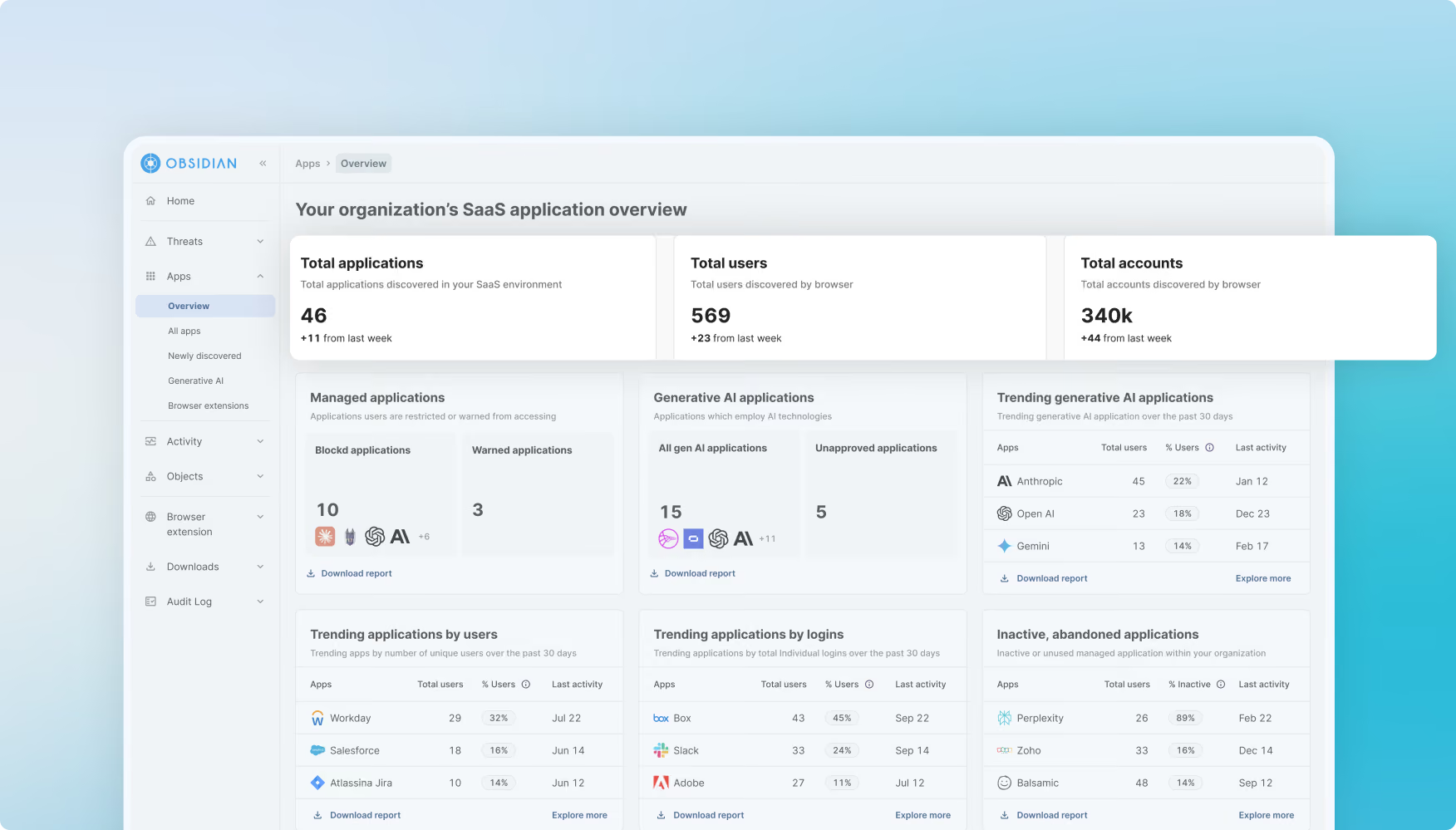
See logins, activity, data access, and risk in one place so teams can support safe adoption.
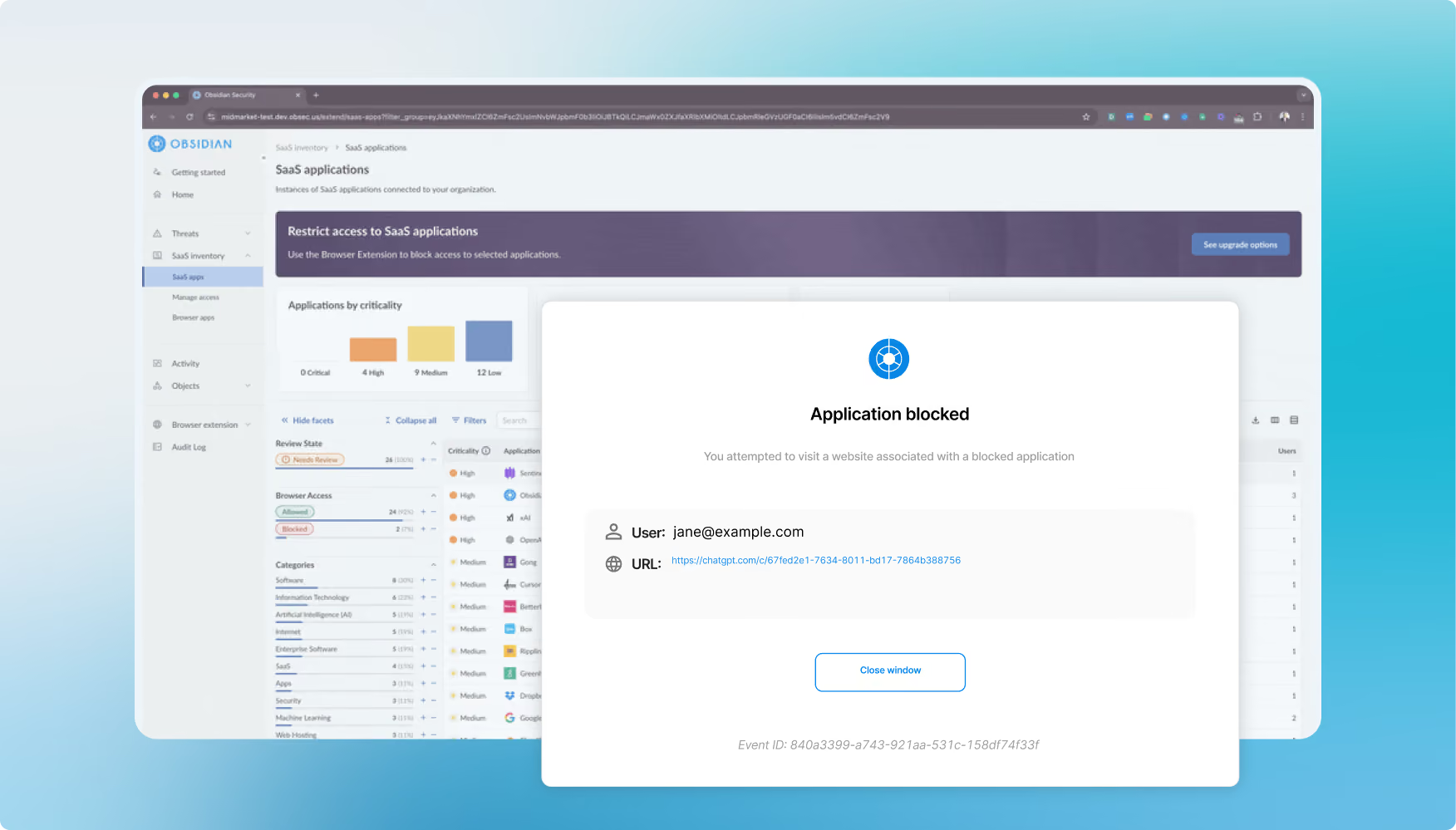
Allow trusted tools and limit access to AI services that do not meet your policies.
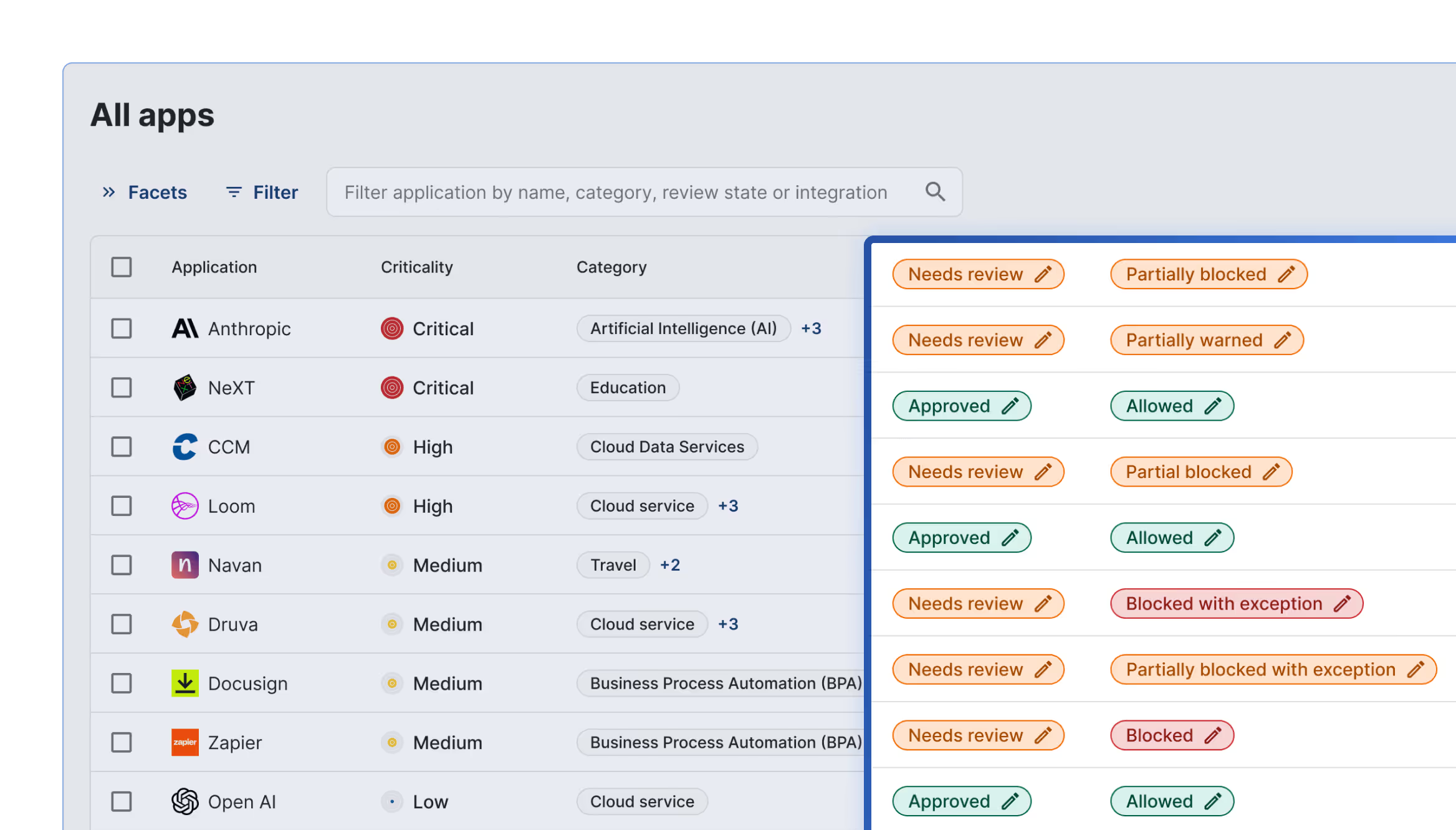
Review AI-to-app integrations, reduce excessive access, and prevent unauthorized connections to sensitive data.
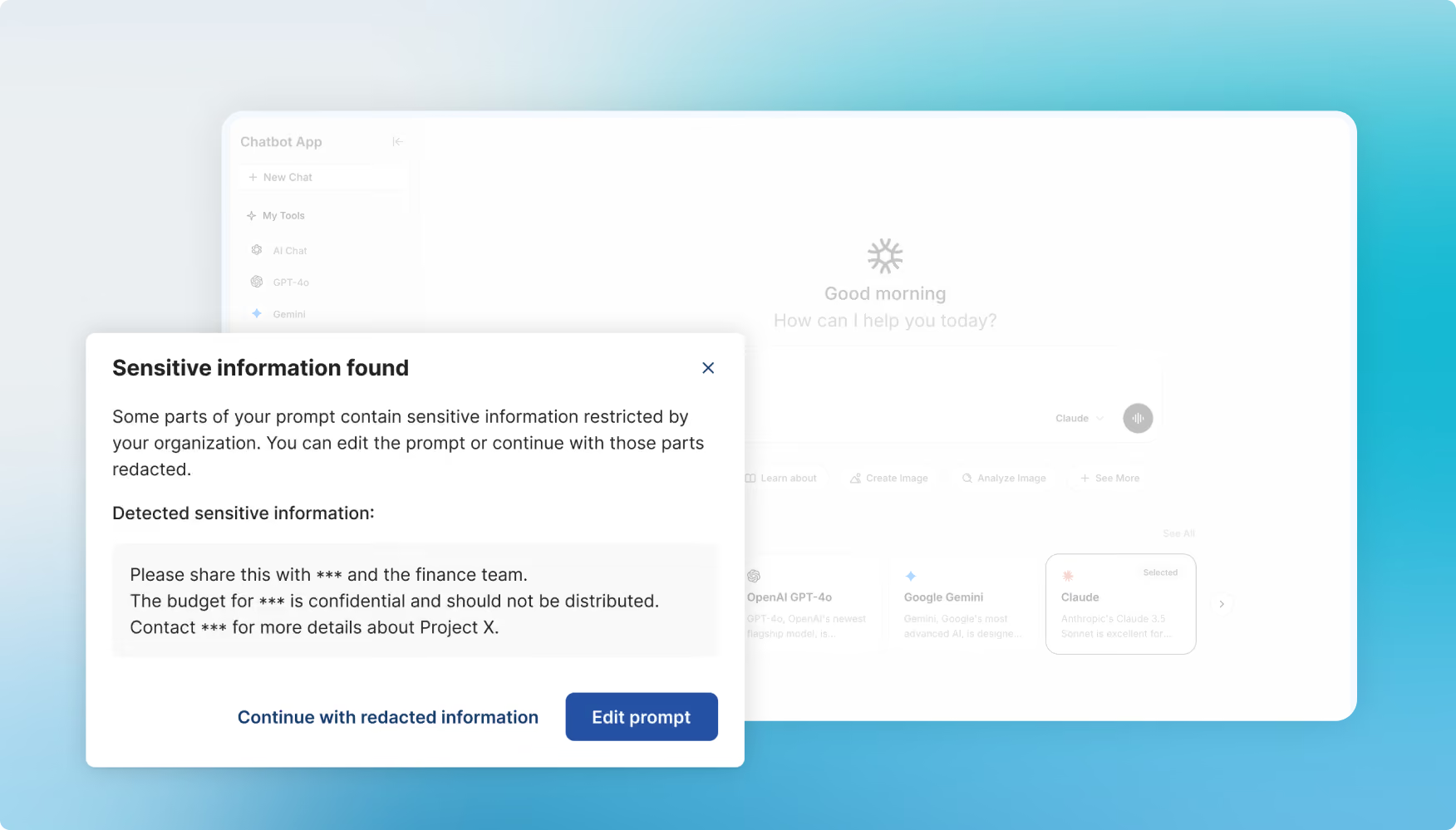
Warn or block users when prompts or files contain data covered by your policies.
.avif)


It is the practice of protecting business data as employees, apps, and agents use generative AI.
Data can leave through prompts, uploads, browser extensions, app integrations, or agent actions.
Many tools can block an AI app but cannot show what data is shared inside it or what an integration can access.
Yes. Obsidian discovers AI apps, browser extensions, integrations, and agents across the environment.
Yes. You can restrict unapproved tools and stop sensitive prompts or uploads based on policy.
Approved work can continue while controls focus on risky tools, sensitive data, and unsafe actions.