Five Answers to Questions Every Security Team Is Asking About Securing AI
Pragmatic guidance to the most asked questions security teams have around securing their AI agents.
In 2026, AI stopped being something security teams were preparing for and became something already running in their environments. Vendors embedded AI agents and features into the third-party apps your teams already use. Developers plugged coding agents into production data. Personal chatbots started reading business drives. And all of it happened faster than oversight could be put on top.
The productivity gains are real, meaning no one is rolling AI back. So security is left with a harder mandate: secure what is already live without breaking workflows or slowing the business. While the goal is clear, security teams often have a lot of questions on how best to accomplish this.
Here are the five questions we hear most often, and how we advise our customers as they build AI security programs.
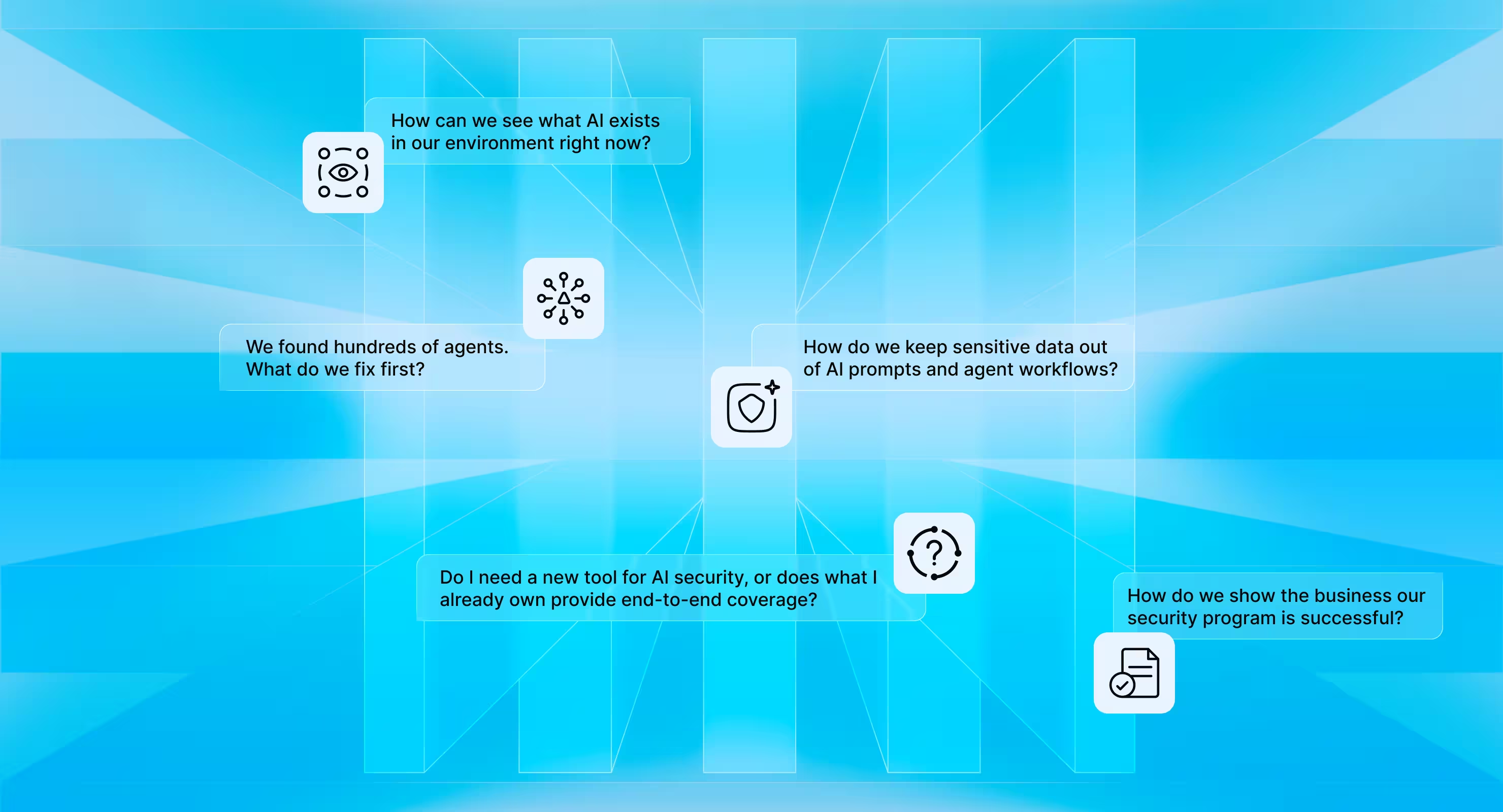
1. How can we see what AI exists in our environment right now?
Even with technology as new as AI, the old adage holds: you can't secure what you can't see. If anything, it matters more now than it ever did.
In 2026, you can’t solve shadow AI by providing teams with a list of sanctioned agentic platforms and blocking the rest. Agents get created inside third-party app platforms, spun up through personal accounts that never touch corporate identity, built with low-code tools, run locally by developers, and forgotten when their owners change roles. Before you can decide what AI is allowed, you have to know everything that already exists.
How to get an accurate accounting of your business’ AI footprint:
- Pick a single control plane that can inventory every AI app, agent, feature, and workflow. That gives you a continuous view across low-code platforms like Copilot Studio, local agents like Claude Code, and agents embedded in apps like Agentforce in Salesforce in one place. Not a collection of spreadsheets or dashboards that you have to pivot across and become stale the week after they’re written.
- Use more than one discovery method. API connectors into AI platforms show you every app they integrate with, mapping your footprint. But personal and shadow AI only surfaces through methods like email metadata scanning and browser-level detection. Combine all three discovery sources so nothing slips through.
- Treat the list as a starting point, not an outcome. Your AI inventory becomes useful when each entry carries a risk measurement and a named owner. That's what tells you what to address first, and who to partner with to actually achieve a security outcome like catching if agents are secretly moving sensitive data.
2. We found hundreds of agents. What do we fix first?
After you succeed in building continuous AI discovery, it immediately creates the next problem. An inventory of several hundred agents with no priority attached will not move the needle. Teams at this stage ask, “which risks map to real business impact?”
Some of the risk factors that matter most are:
- Publicly accessible agents that can leak confidential information
- Shared agents acting on embedded credentials that enable privilege escalation
- Dangerous permissions enabling commands to write, modify, or delete production data
Prioritize remediation by impact and exploitability, not by count. Fifty shadow agents that summarize public documentation matter less than one sanctioned agent with write access to the finance system and an owner who left in March.
How to programmatically reduce your AI blast radius:
- Reduce the attack surface. Use evidence of stale, unused connections to remove access no one will miss, cutting exposure without breaking workflows.
- Follow least privilege. Find and fix the agents that would hand a lower-privileged user access they were never meant to have.
- Own the full lifecycle. Make sure no agent quietly accumulates privilege over time or keeps access its owner no longer controls after a role change or departure.
3. How do we keep sensitive data out of AI prompts and agent workflows?
Legal and compliance teams want assurance that employees aren't sending PII, PHI, source code, or customer data into AI tools. Controlling the data inputs to AI is how you make sure AI-enabled vendors aren't touching data outside what was authorized in your data processing agreements.
To stop accidental data leakage, the browser is the natural control point: it's where prompts are typed, so it's where policies can detect sensitive data and warn, block, or redact before anything leaves. For agent access, data labels should be used to show as a signal to quickly filter which agents can reach sensitive data.
How to enforce safe AI data access:
- Stop sensitive prompts at the source. Use browser controls to catch and block proprietary data before it's uploaded to unsanctioned or personal GenAI platforms.
- Enforce access with existing context. Data labels should be used as a signal for what agents can access sensitive files, then apply runtime policies to block risky data access.
- Prevent secrets from leaking. Flag passwords and access tokens embedded inside agent skills, plus the agents with access to broad folder trees or sensitive file types.
4. Do I need a new tool for AI security, or does what I already own provide end-to-end coverage?
Most teams evaluating AI security already run a secure web gateway, identity provider, cloud access security broker, endpoint detection tool, and cloud posture component in their stack. With every investment you already have in security tooling, it is fair to ask whether AI security can be solved with your existing stack.
The truth is that no single product solves every AI security problem. Models, agents, and chatbots create different risks, and you'll need best-of-breed solutions across different parts of the stack:
- EDRs are strong at detecting and managing open-source agents that run locally on a device like LangChain or OpenClaw.
- Network gateways can inspect the inputs and outputs to LLMs to ensure AI responses are not hallucinations or malicious.
- CNAPP/CSPM platforms understand the cloud resources, compute, data stores, and pipelines connected to AI-powered projects.
- Data security platforms classify sensitive data and can map what can access those files, including AI.
- Offensive security vendors red-team models to test for weaknesses that allow prompt injection or jailbreak scenarios.
- Identity providers are extending their platforms by providing dedicated logins for agents to authenticate into your applications.
What none of those layers cover is when AI is interacting with the business data inside your third-party applications. This is a critical gap most security teams need to address so agents aren’t able to take catastrophic actions like dropping a production table in Databricks, or leaking a contract from Salesforce.
Why Third-party App Security is necessary for securing AI:
- Discover shadow AI across your environment including the embedded agents and features SaaS vendors release
- Find and fix insecure and misconfigured settings that allow AI vendors access to proprietary information
- Govern agent access and privileges inside third-party apps so every agent action is policy-aligned
- Enforce policies as agents act at runtime so security stays proactive rather than reactive
- Stop data from leaking to LLM chatbots in the browser, keeping you compliant with your data sharing agreements
- Control which MCP servers and tool calls agents can make so no unsanctioned integrations are live and active
- Detect and contain supply chain attacks powered by frontier AI models to prevent threat actors from stealing your data by breaching a third-party vendor
5. How do we show the business our security program is successful?
Start with the end goal in mind. The point of an AI security program isn't a cleaner dashboard. It's letting the business capture AI's upside safely. Below are three examples of how some of the largest businesses on the planet measure success.
- Accelerated innovation. Bank of America's CIO shared in an interview a 20% productivity lift across 18,000 developers using AI coding tools, with IT service-desk calls down more than 50%.
- Increased productivity. UnitedHealth Group's chief digital and technology officer stated publicly that AI claims-efficiency tools made teams over 20% more productive, and that the company's Alfred assistant has already saved 86,400 hours of work.
- Operational efficiency. Goldman Sachs' CEO shared at industry events that engineer coding productivity is up 20–30%, and that AI now drafts 95% of an S-1 in minutes (work that used to take a six-person team two weeks).
Security should be credited, at least in part, for these gains. By making AI safe for everyone to use, the business becomes more productive. Our business value team works with our customers to take a baseline and show improvements directly tied to a business objective. If the business can point to hours saved, security should be able to point to the agents, data flows, and policies that made those hours safe to save.
The metrics we recommend security teams measure:
- Automated discovery: Continuous agent and platform discovery replaces time spent on manual reviews
- Centralized governance: Policies enforce themselves instead of manually triaging tickets
- Runtime security: Autonomous triage of runtime alerts cuts investigation time and alert fatigue
- Accelerated innovation: Reducing AI program deployment time realizes productivity benefits quicker
Security teams set the pace of AI adoption
The organizations moving fastest with AI aren't the ones that skipped security. They're the ones whose security teams can see every agent, govern its access, and enforce policy while it runs.
That's exactly what Obsidian Security was built for. With continuous discovery, governance, and runtime enforcement across your AI and third-party apps, security stops being the reason AI projects stall, and becomes the reason your organization can accelerate them.